15gifts × O2 In-Store Retail Engine
Client
15gifts / O2
Year
2021
Role
Product Designer
Tools
Figma, Principle, Sketch
Omni-Channel
At 15gifts, we don't just aim to help customers online. One of many opportunities with Omni-Channel was that we knew we could help sales agents in-store with a tonne more knowledge right at their fingertips. Not all, but a lot of sales agents don't like 'programmes' getting in the way of them selling. So aiming it in the right direction we can try to counteract their first initial thoughts by showing it's really just here to assist them, not take away their jobs.
For context, the current online journey is displayed on telco company websites to help users find the right product for them, while feeling confident when making a large long-term online purchase like buying a phone and plan. The journey asks a series of questions in many different formats to guide that recommendation.
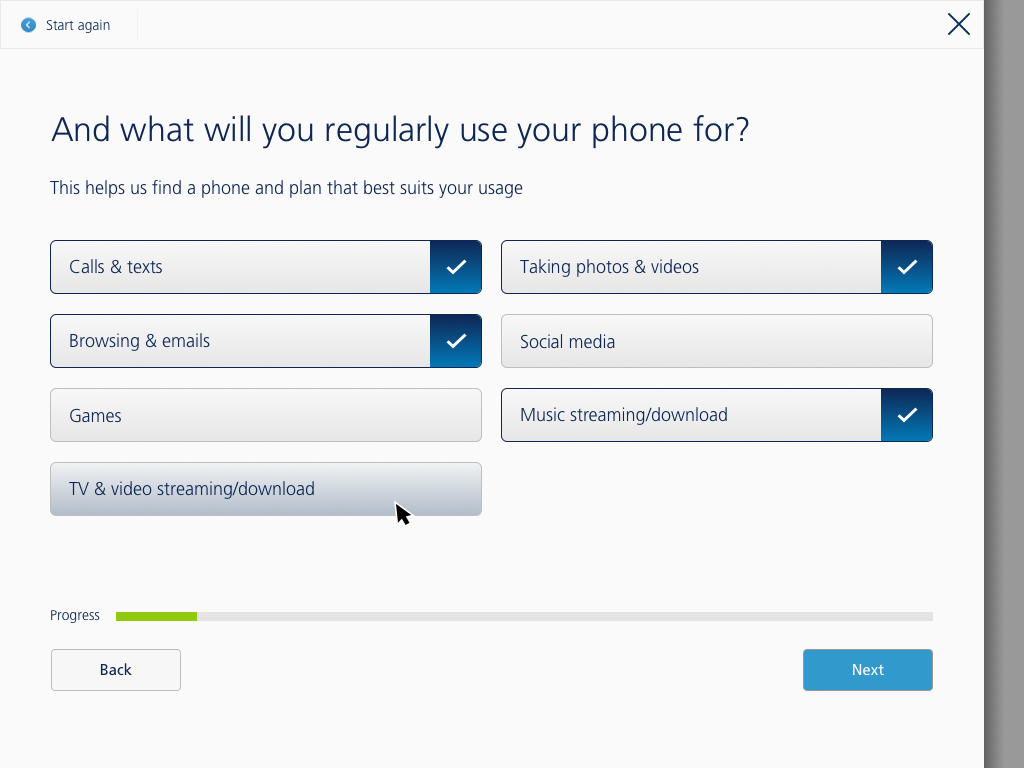
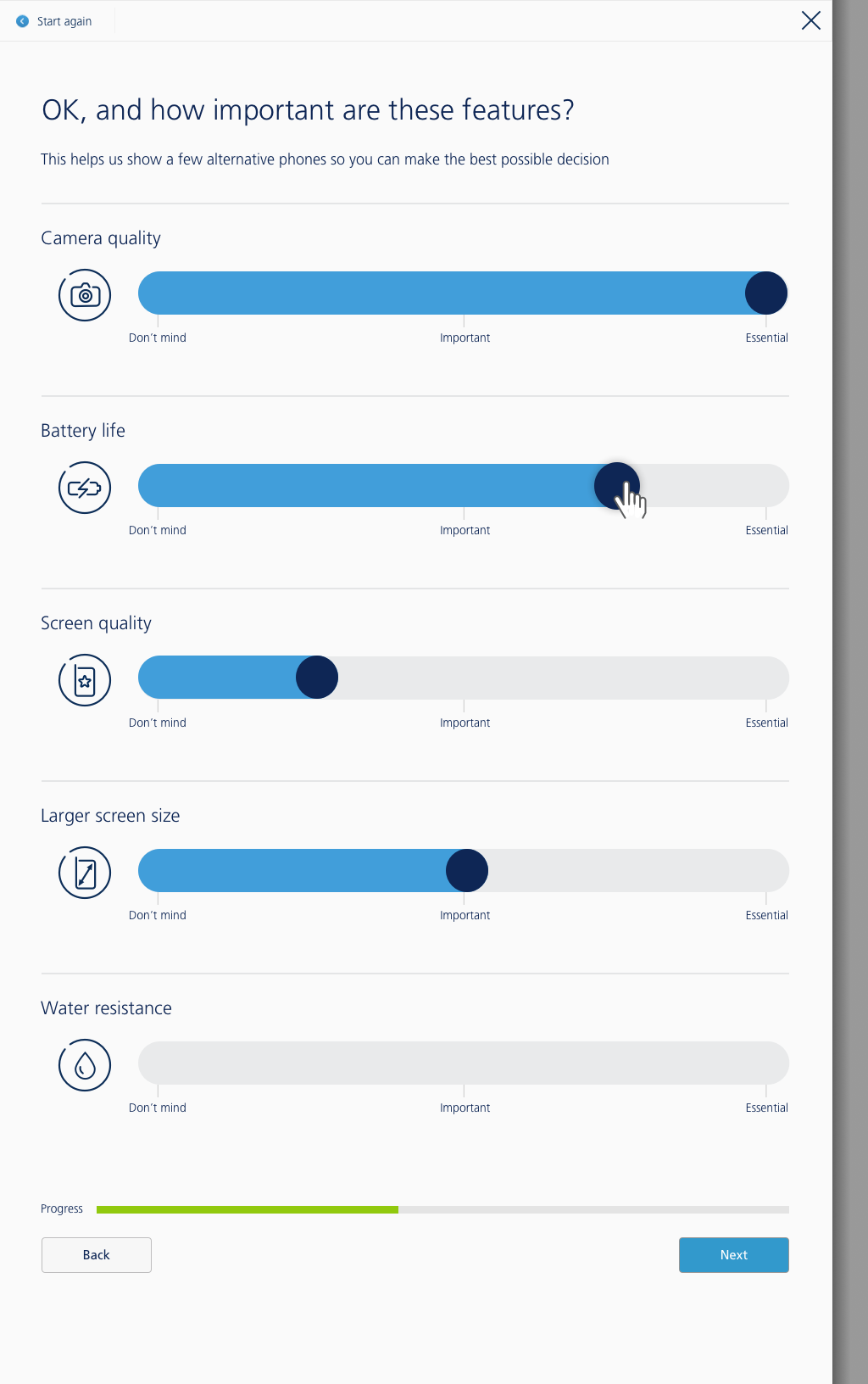
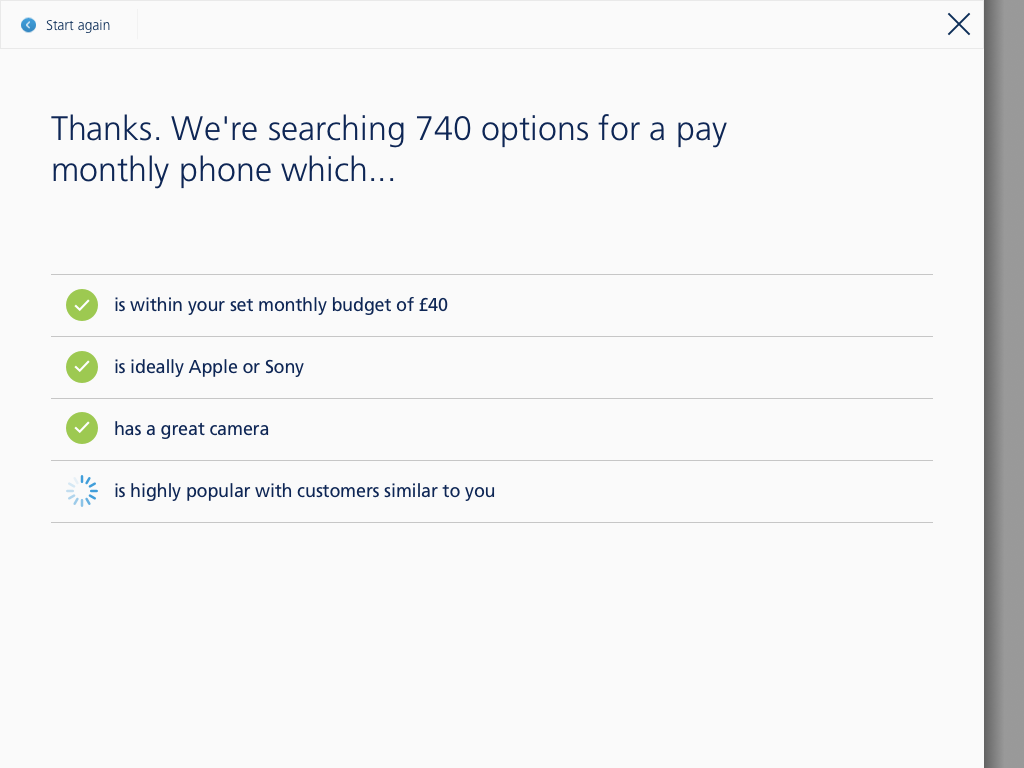
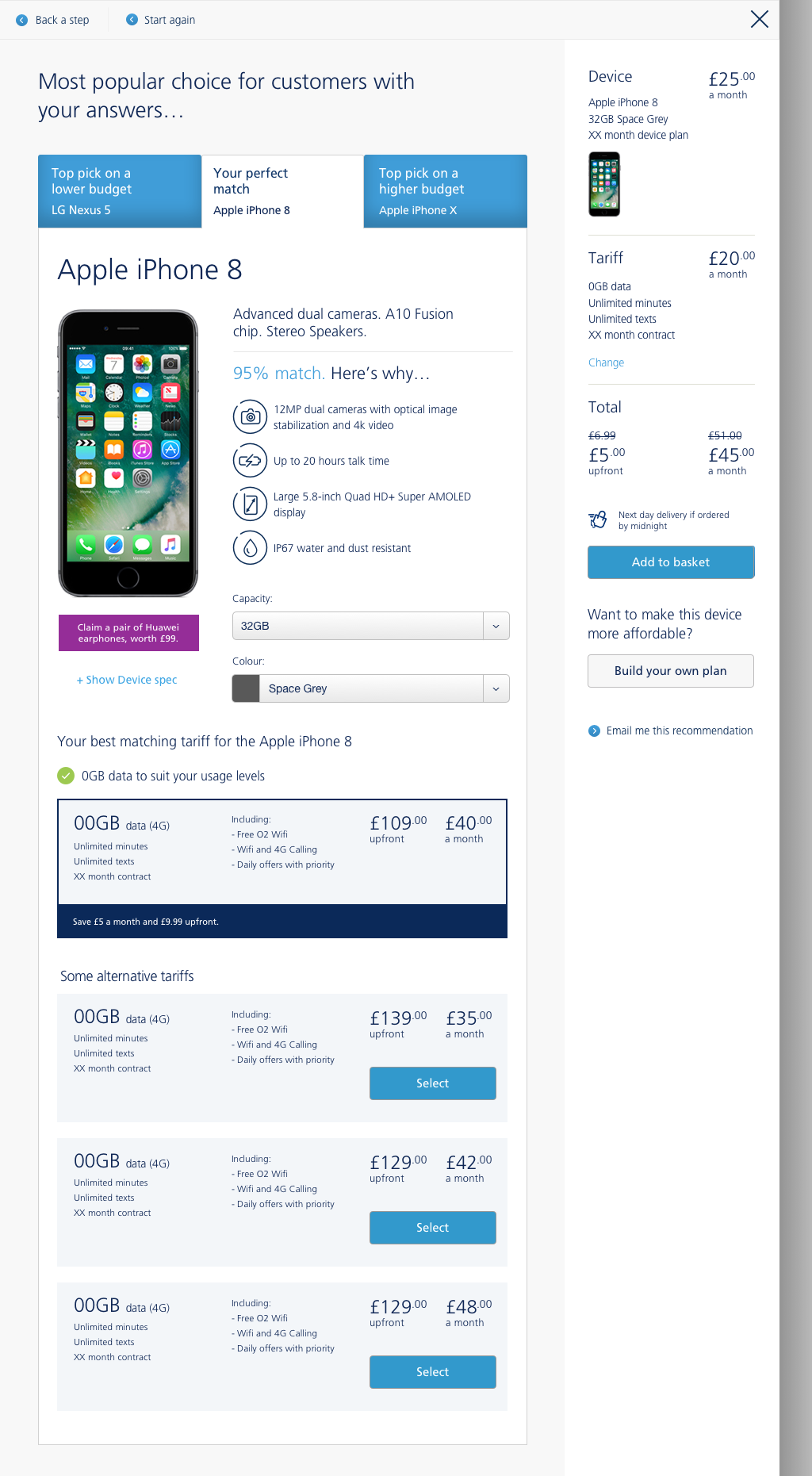
We understood that online wasn't the only place users were making these large purchase decisions — they were making them in-store as well, so we totally re-imagined how the engine/tool could be used in that format. We went into stores to understand how our current engine would stack up to real world conversations by running user testing with in-store agents.
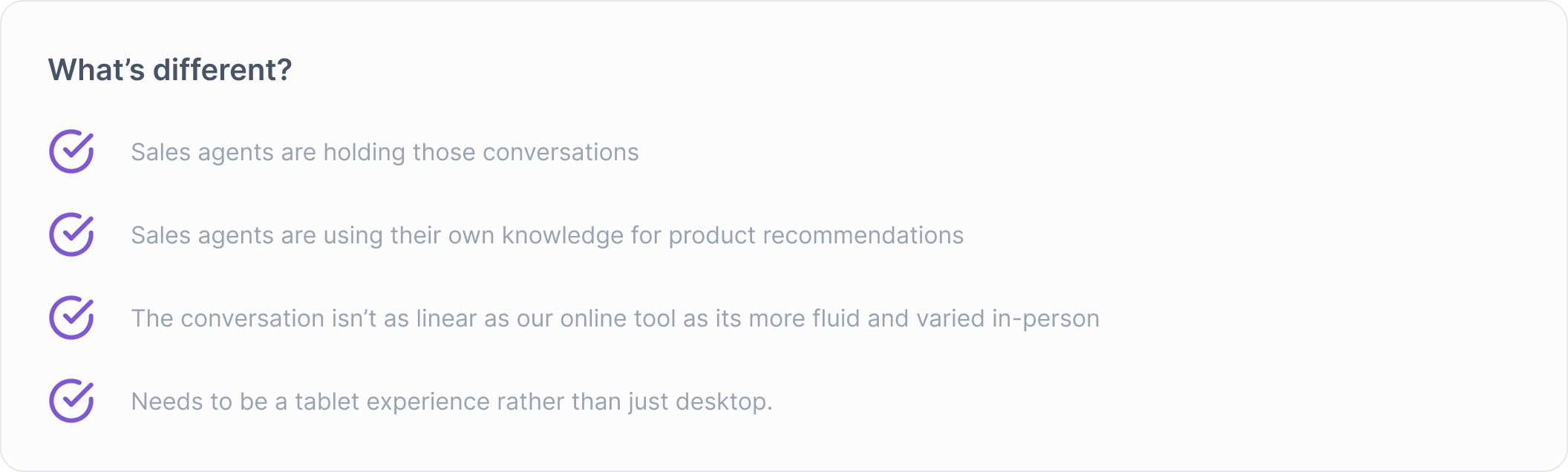
As we understood that our linear online journey just wasn't flexible enough to handle fluid human conversations, we re-designed our product for a retail focussed journey.
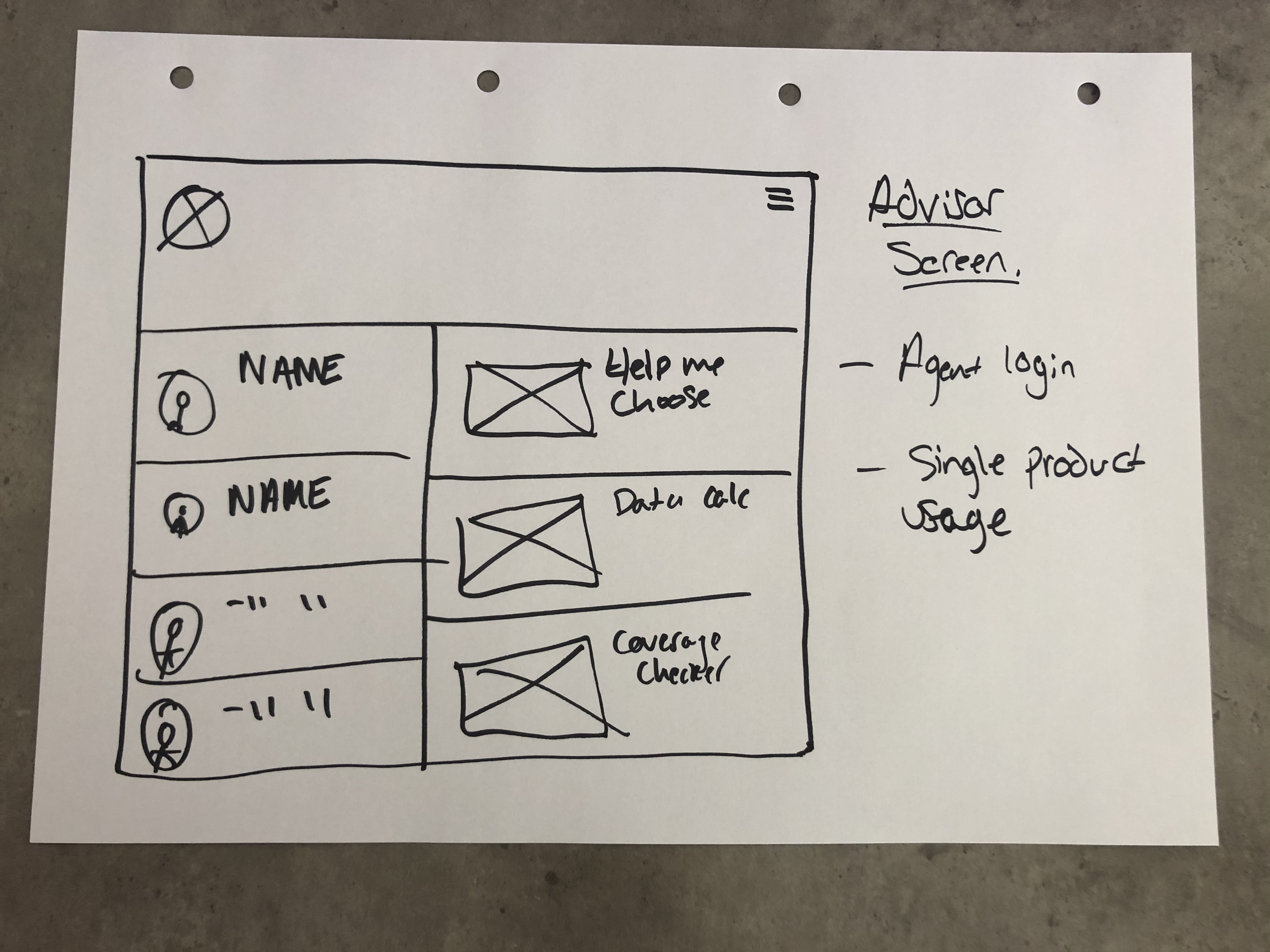
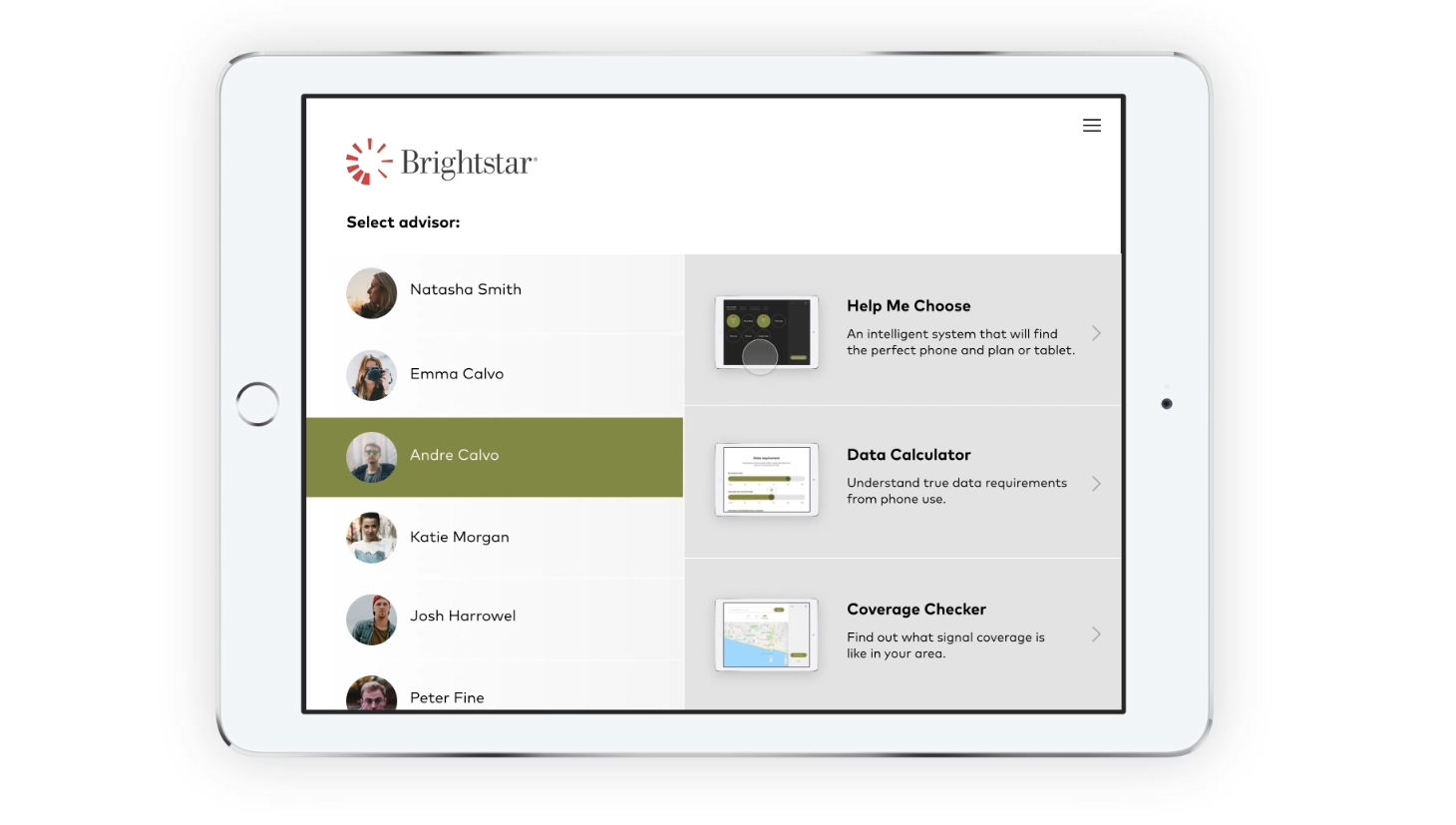
New Sales Agent Home Screen
Here agents are able to login with their own profile and navigate straight to important tools like 'data calculator' or 'coverage checker' without answering any recommendation questions.
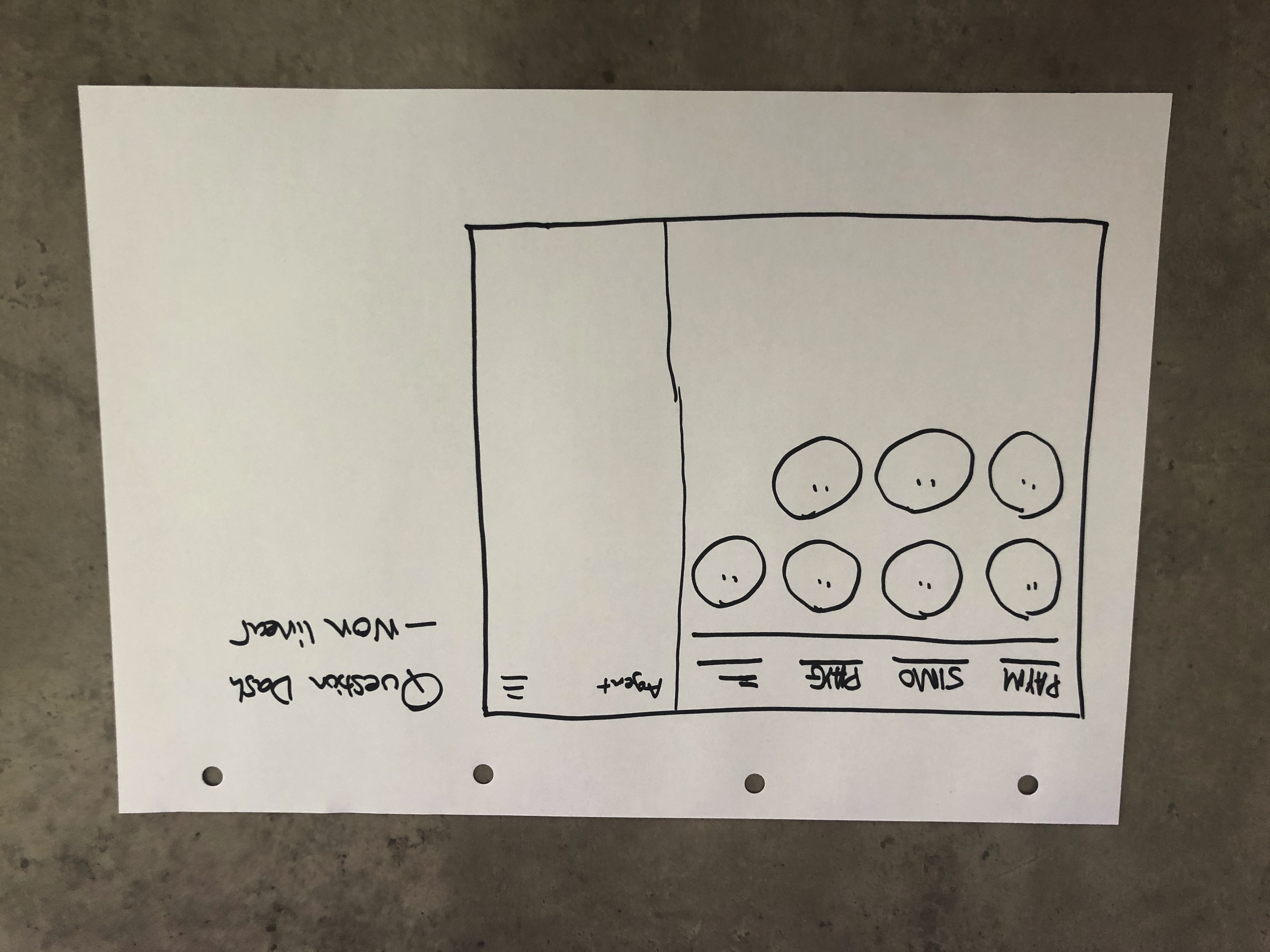
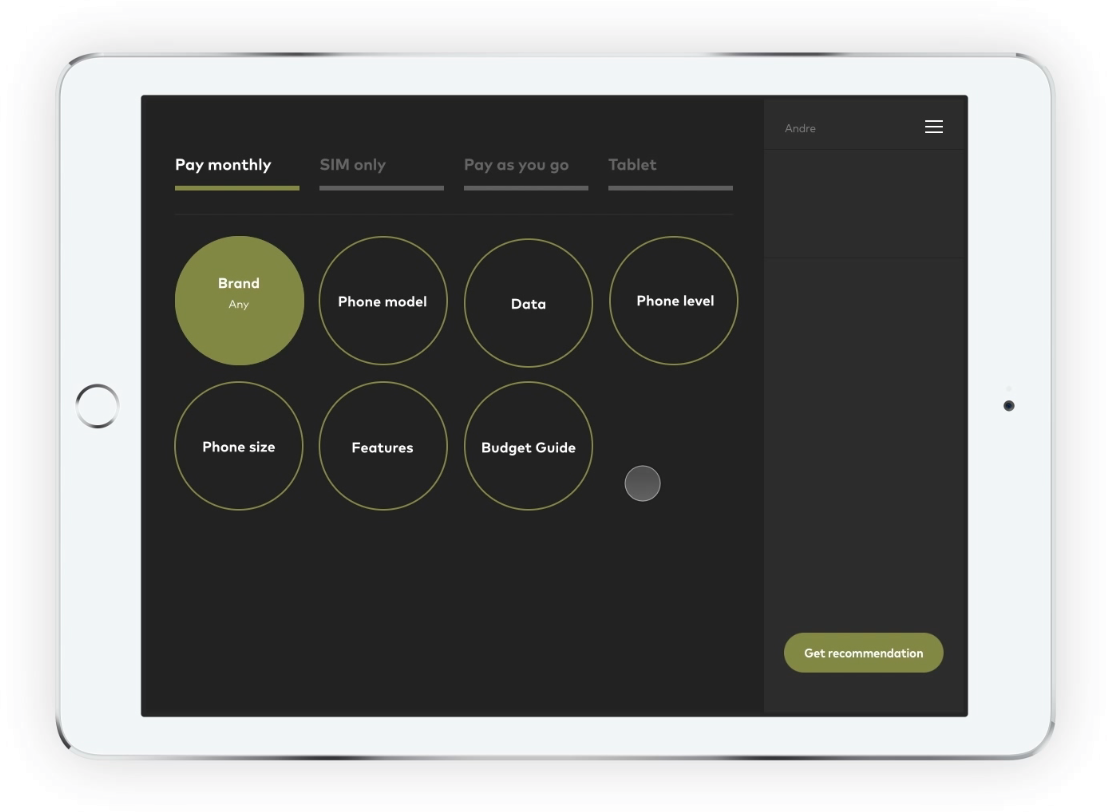
New Question Journey Dashboard
With the new question journey dashboard, agents are able to be more fluid in their conversation with customers using the new non-linear journey we provided. Agents are also swap between contexts within conversations with customers. ie. SIM Plan, Pay monthly, Pay as you go plan.
Question UI Updates
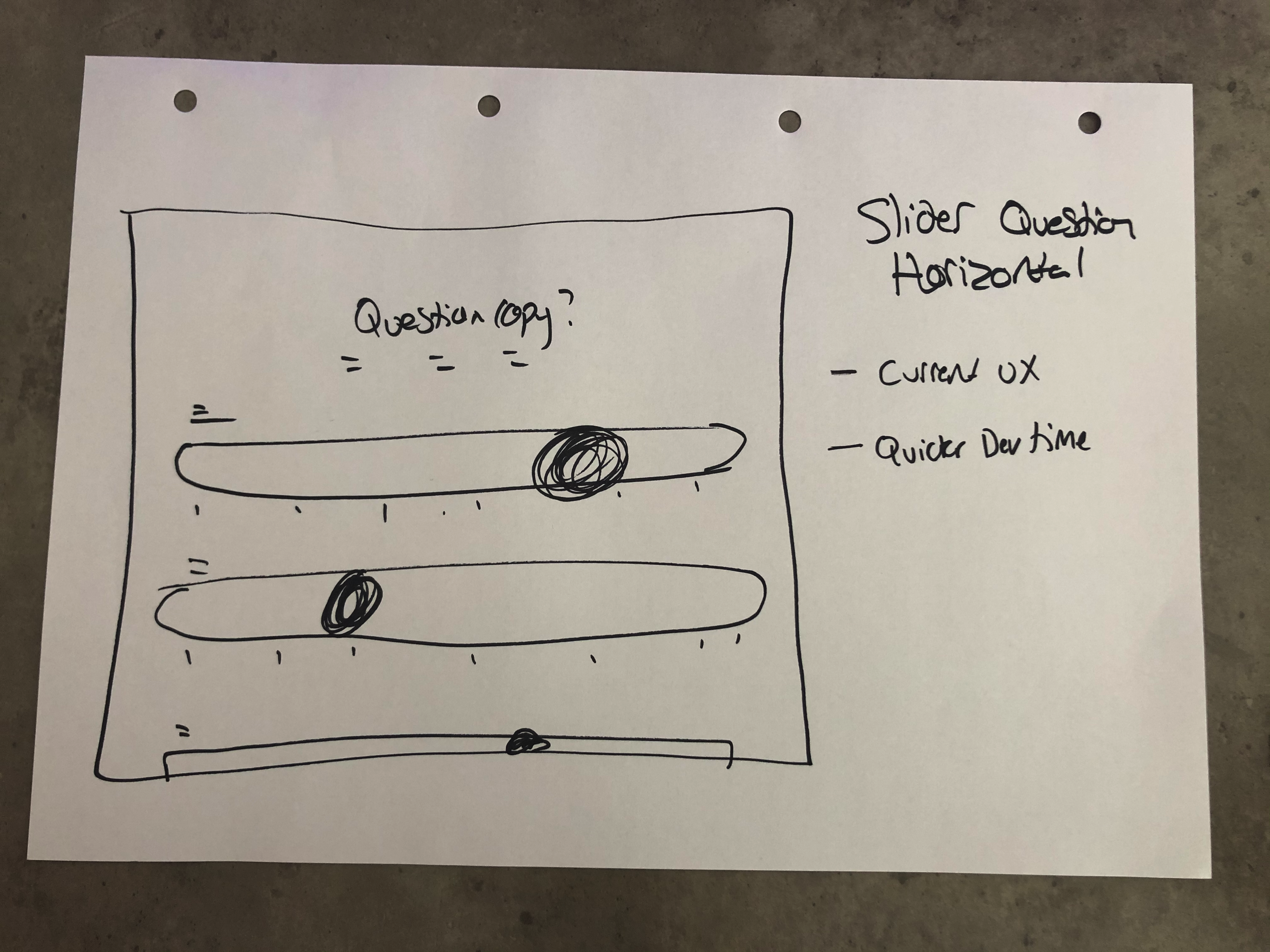
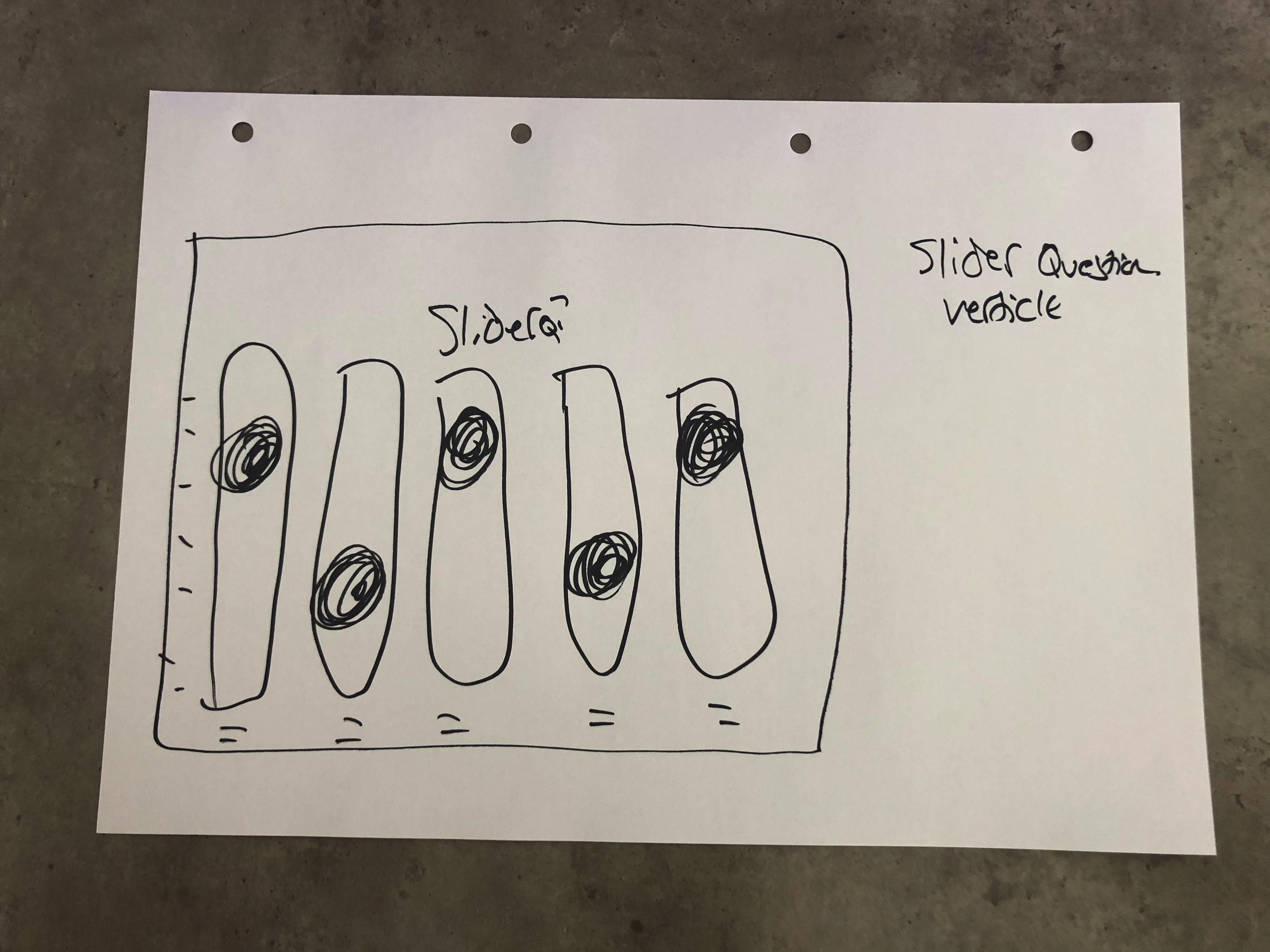
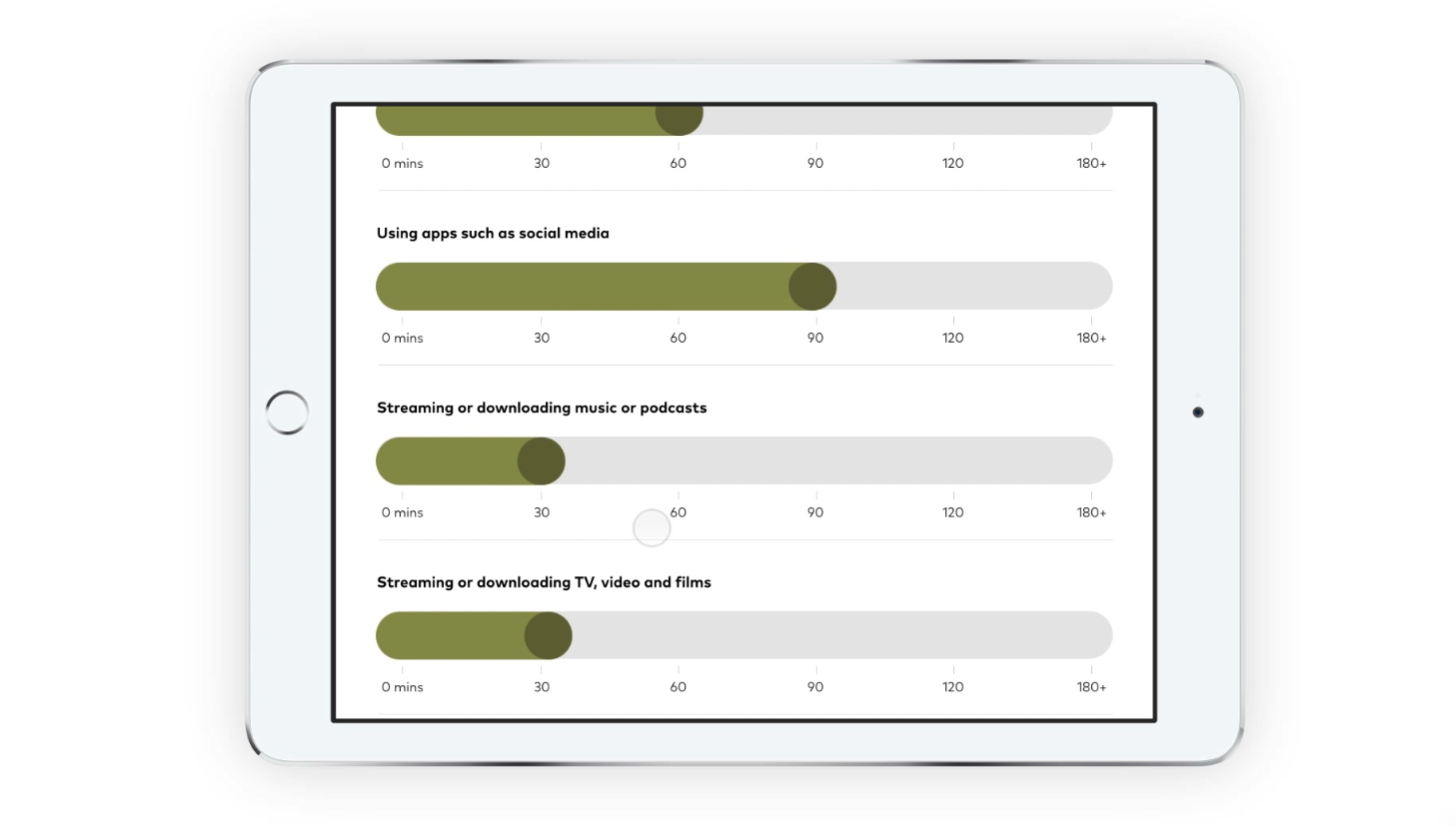
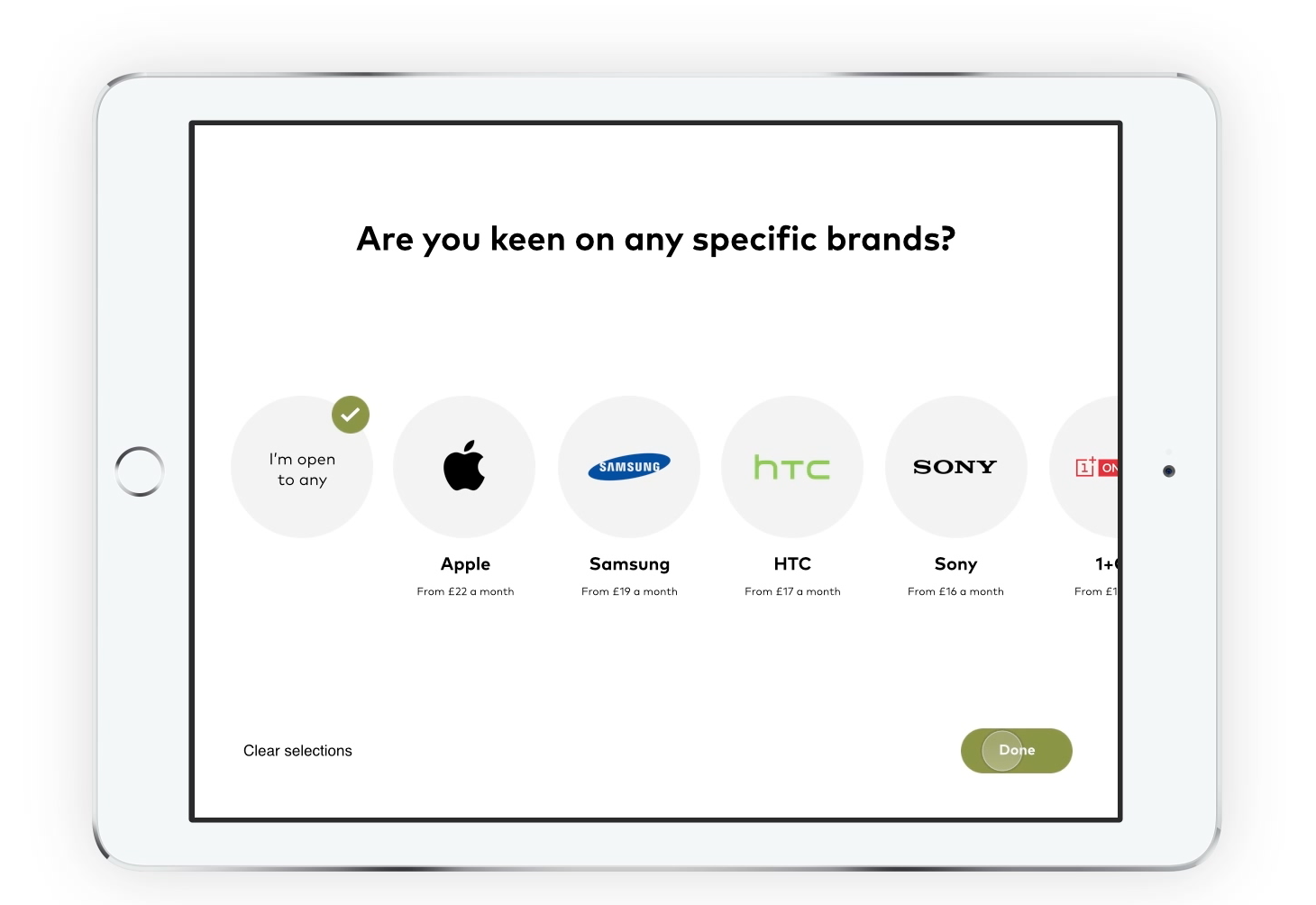
We tested alternative versions of the current online UI interactions. There was no real uplift or usability improvements in using verticle sliders over horizontal, and there was no negative impact either. So we made the decisions to stick with horizontal sliders to keep UI consistent across both online & retail. We had the opportunity to make selections more visual and clear, so we did this with a bigger carousel selection with images. This was then easier to use on a tablet for sales agents.
Brightstar UI Interaction Video
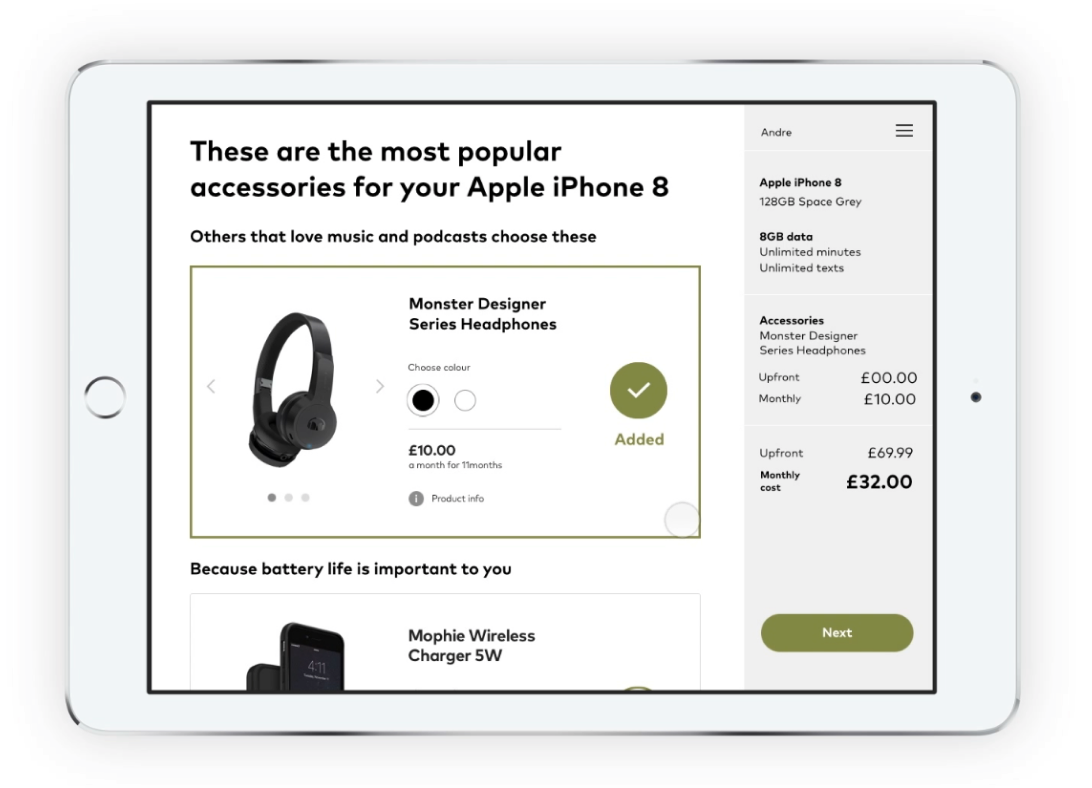
Brightstar wanted to showcase our new retail engine on a big screen at Mobile World Congress. The video is a really good representation of how the retail engine can interact in practice. I was tasked to do a full user journey with all interactions, showcasing all the current features in one Telco journey. Interactions are absolutely key, and transition times had to be short as we don't want the agent to feel its getting in the way of them selling.
I used Sketch for high fidelity designs and then imported the designs into Principle for interactions and micro-animations.
 Watch the full video here →